Featured product
Productivity Plus Pack
Discover file organization, private AI tagging, smarter paste, custom desktop controls, and more in one easy to install suite of Windows tools.
Privacy first
Your files never leave your computer. Every feature runs locally on your device, including the optional AI. No analytics, no telemetry — we only see what is needed to verify your license.
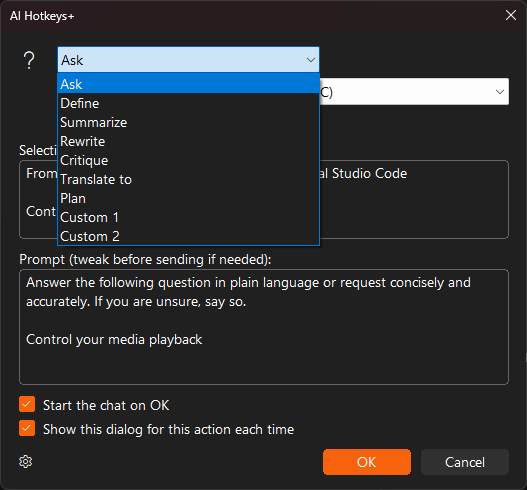
AI Hotkeys+
Select text in any app and send it to a private local AI or your preferred cloud AI with a keyboard shortcut - define, translate, summarize, and more.
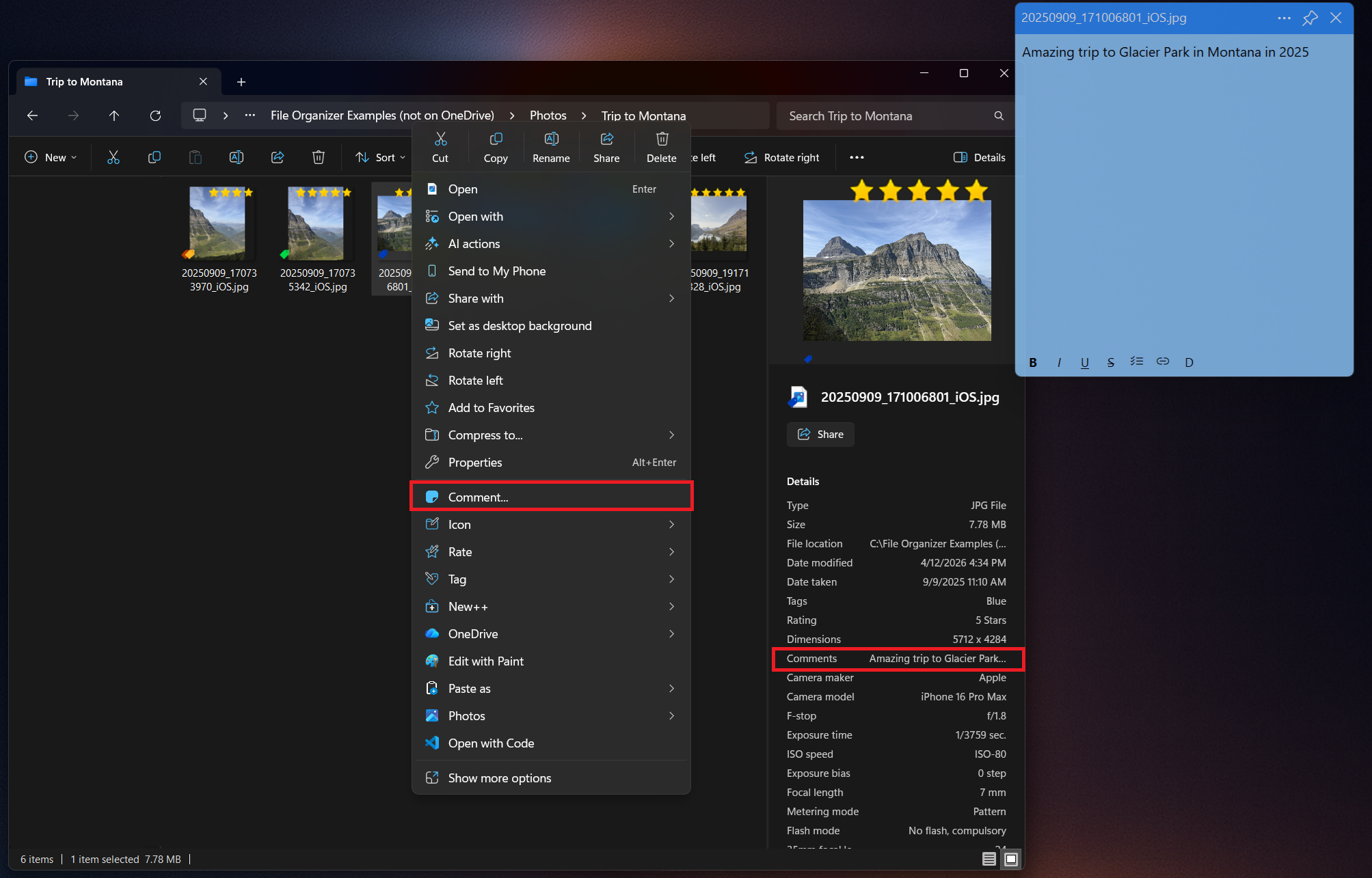
Comment+
Comment on any file in Windows, keep the note pinned on top while you work, and find files by their comments later.
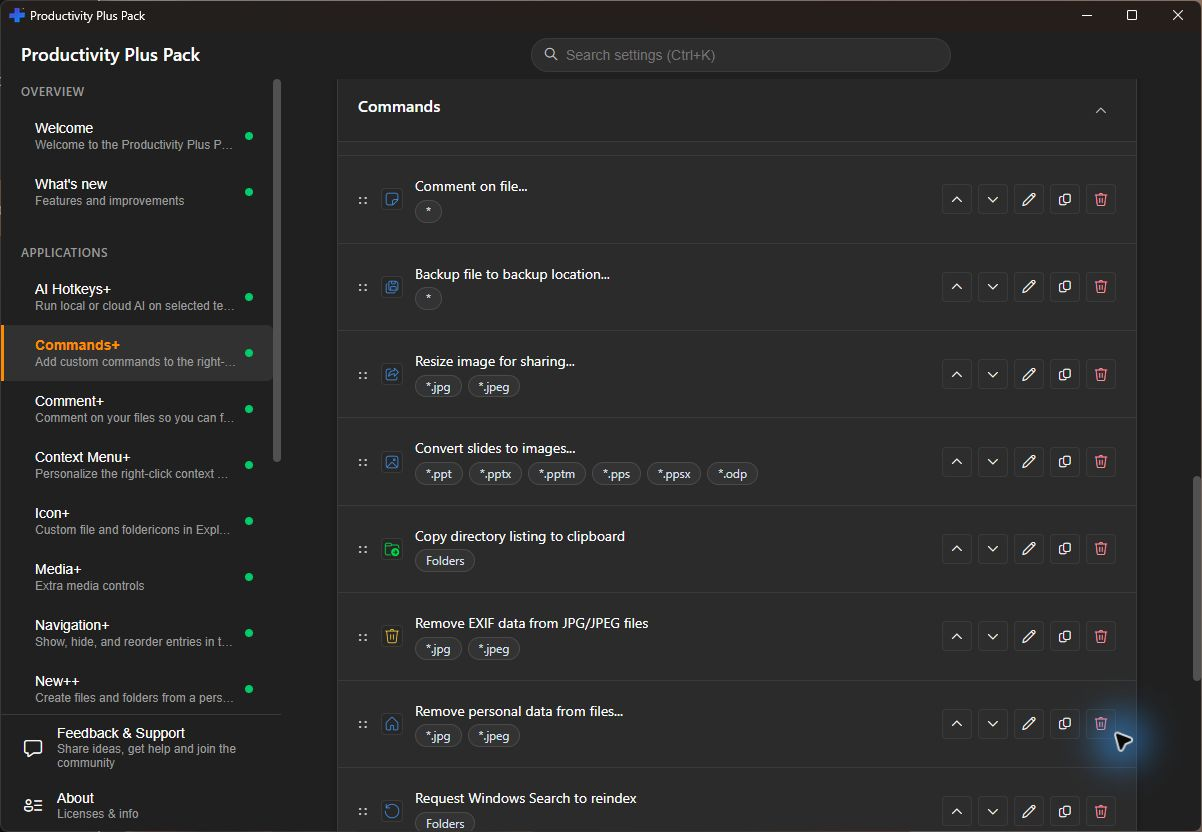
Commands+
Put your own tools and scripts in the right-click menu - for the desktop, folders, or specific file types - and run them with a hotkey.
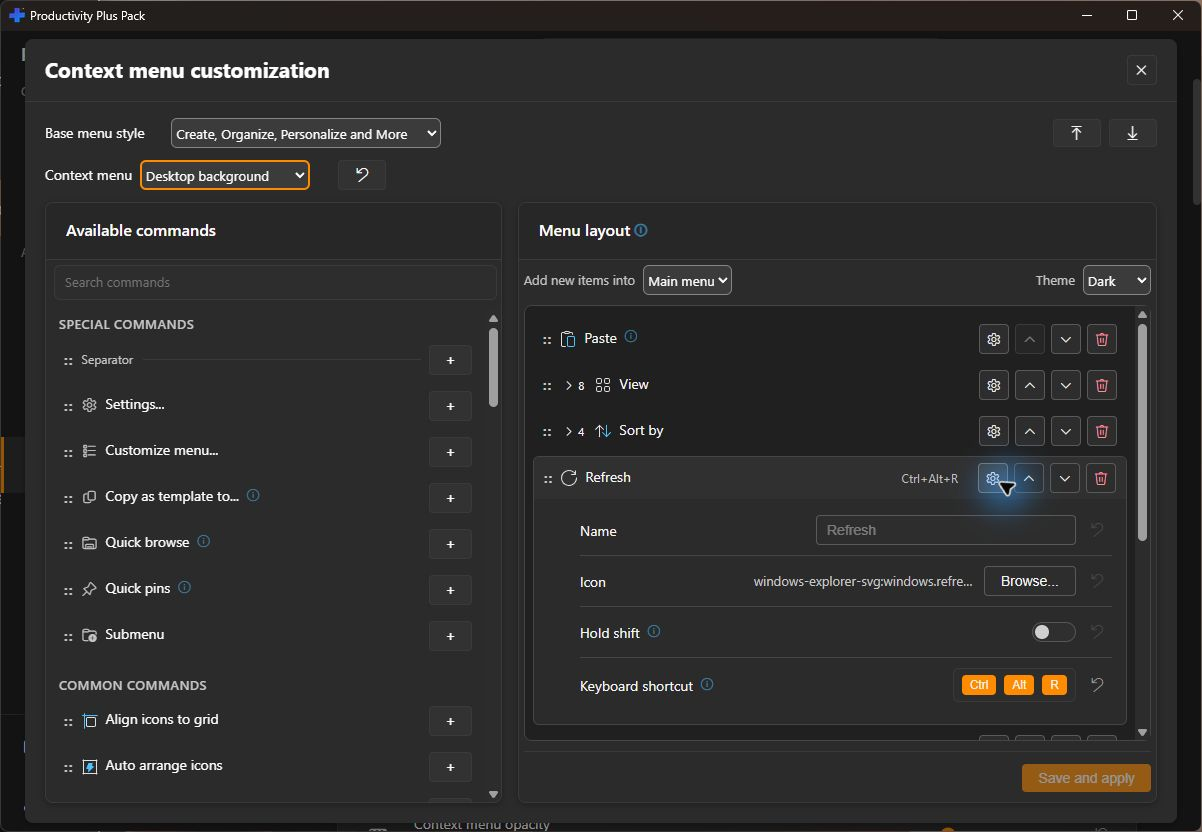
Context Menu+
Switch between the modern and classic Windows context menu, or design each right-click menu yourself - which commands appear, in what order, and how it looks.
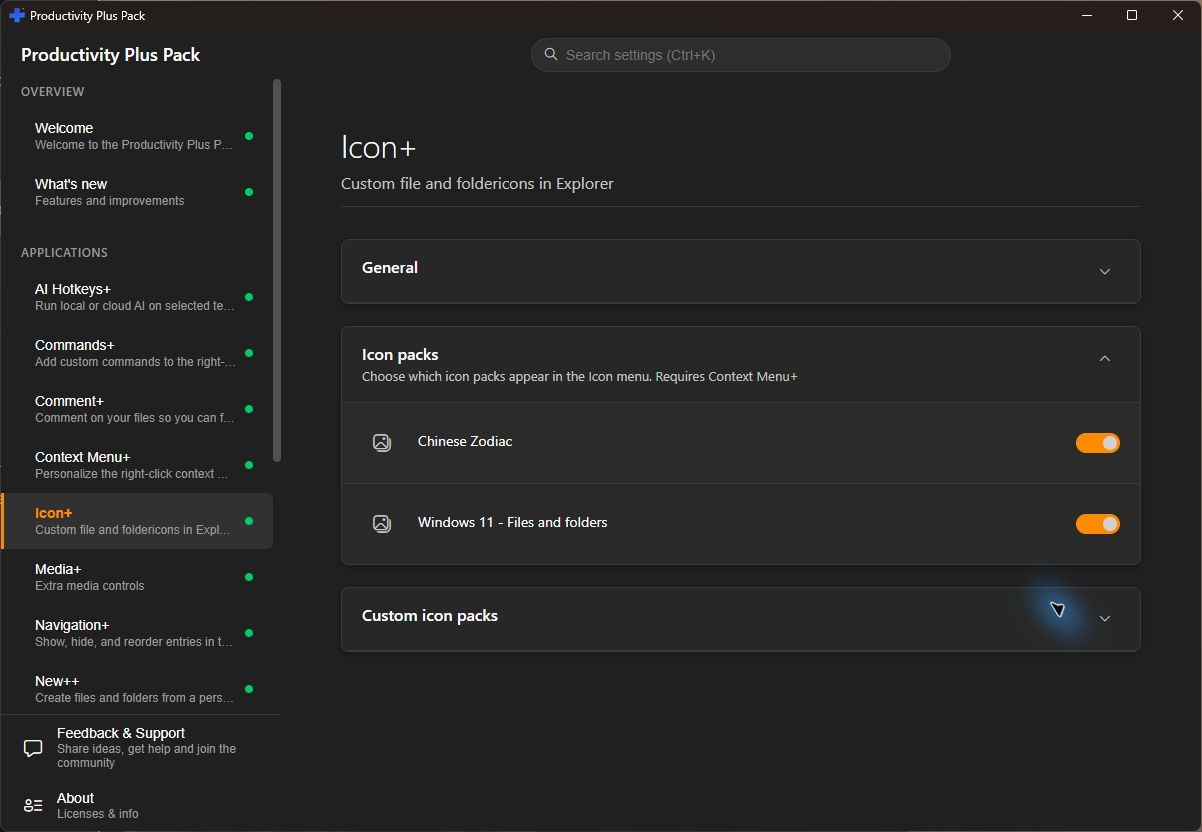
Icon+
Give your important files and folders a distinctive custom icon so they're easy to spot at a glance in Windows Explorer.
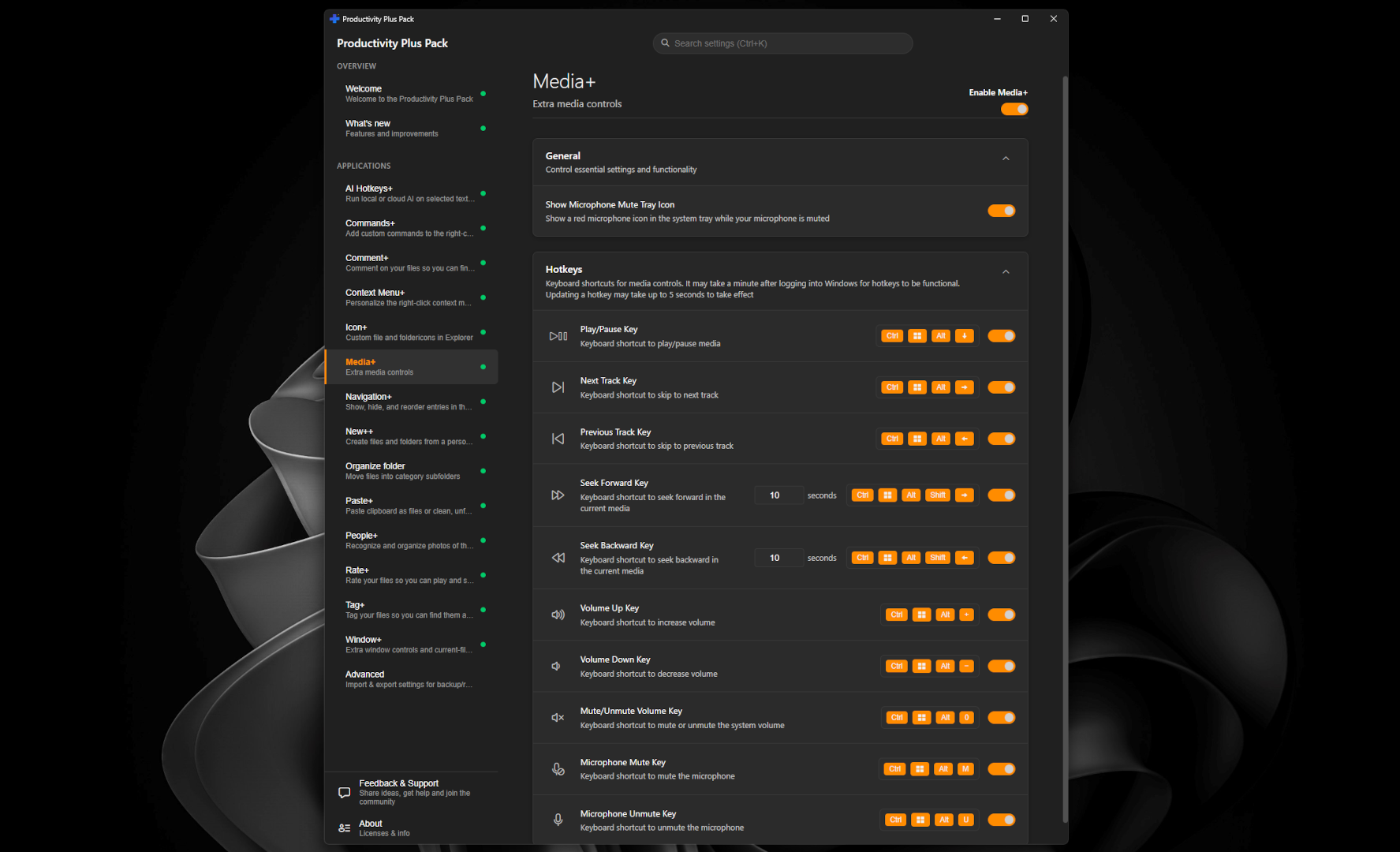
Media+
Control playback, adjust volume, and mute your microphone from any window with global media keys and customizable shortcuts.
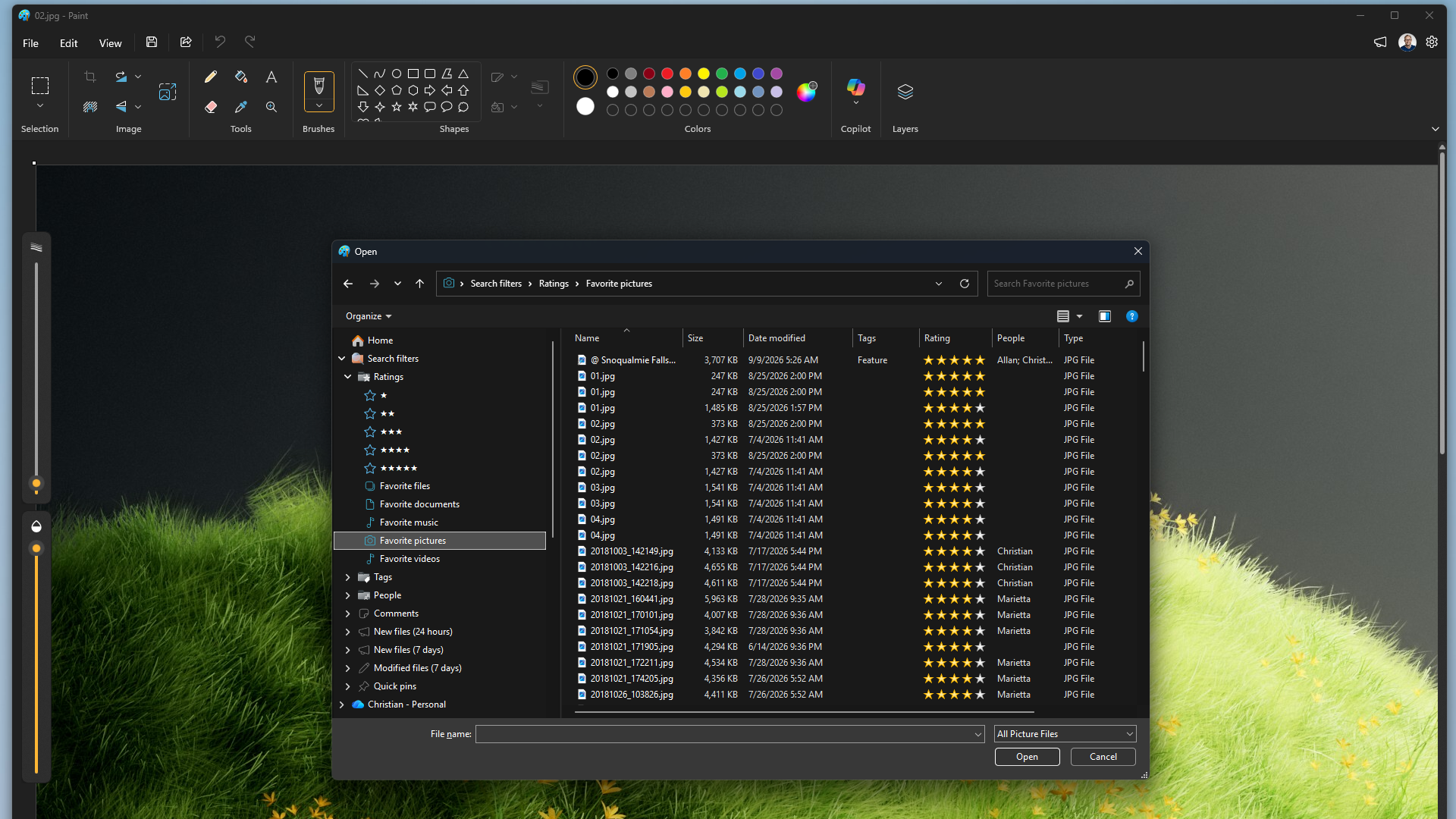
Navigation+
Show, hide, rename, and reorder the entries in File Explorer's navigation pane so it matches the way you work.
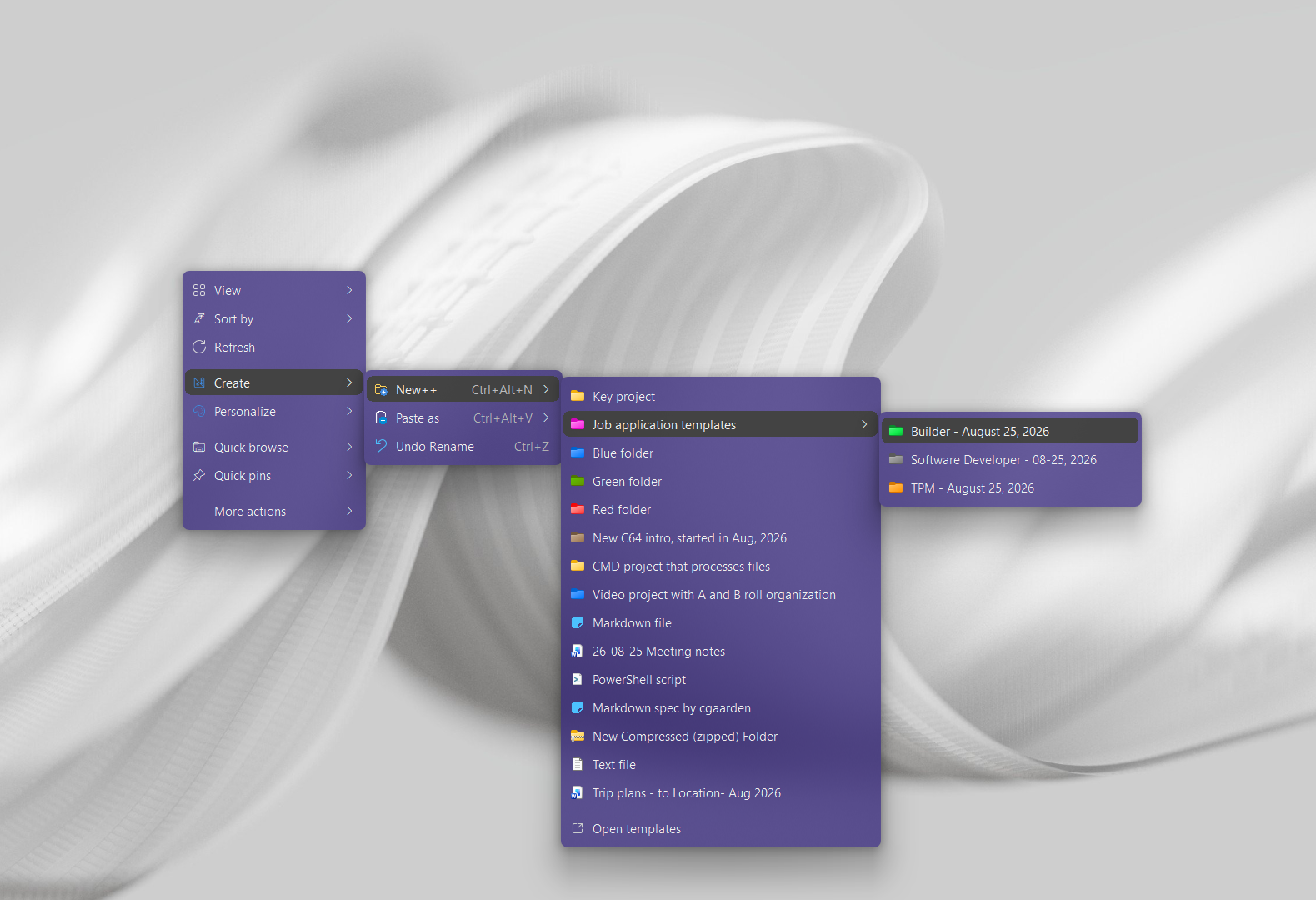
New++
Create files and folders from your own custom templates directly in the Windows context menu, with date variables and multi-item creation.
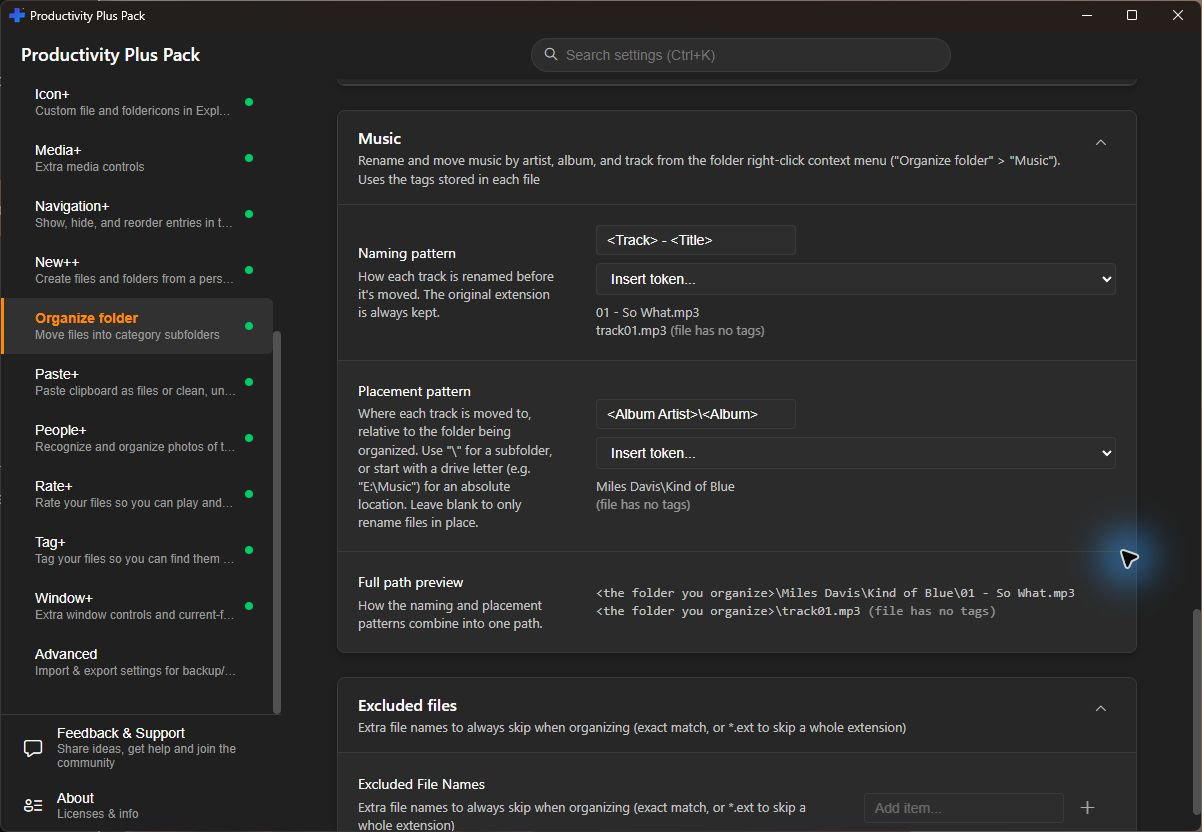
Organize folder
Sort a messy folder into tidy subfolders by file type, or sort photos by date and place, with a single right-click - and undo it just as easily.
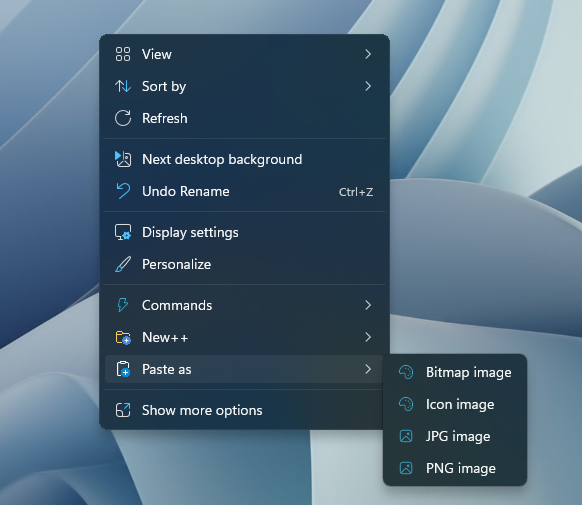
Paste+
Paste text with zero formatting in any app, or paste clipboard content straight into a folder as a file - images, links, QR codes, Markdown, and more.
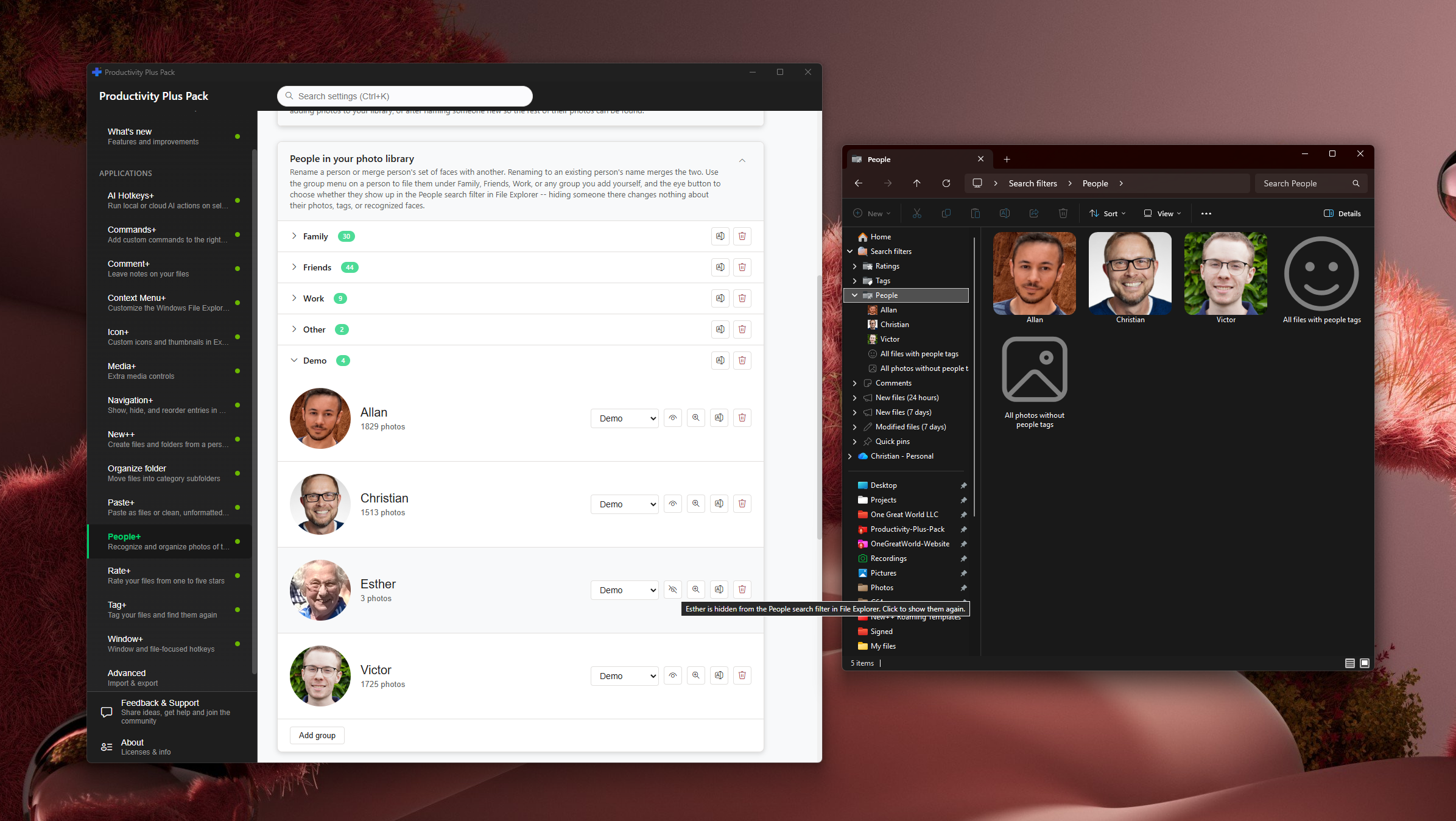
People+
Find photos of the people you care about using private, on-device AI face recognition. Your photos never leave your PC.
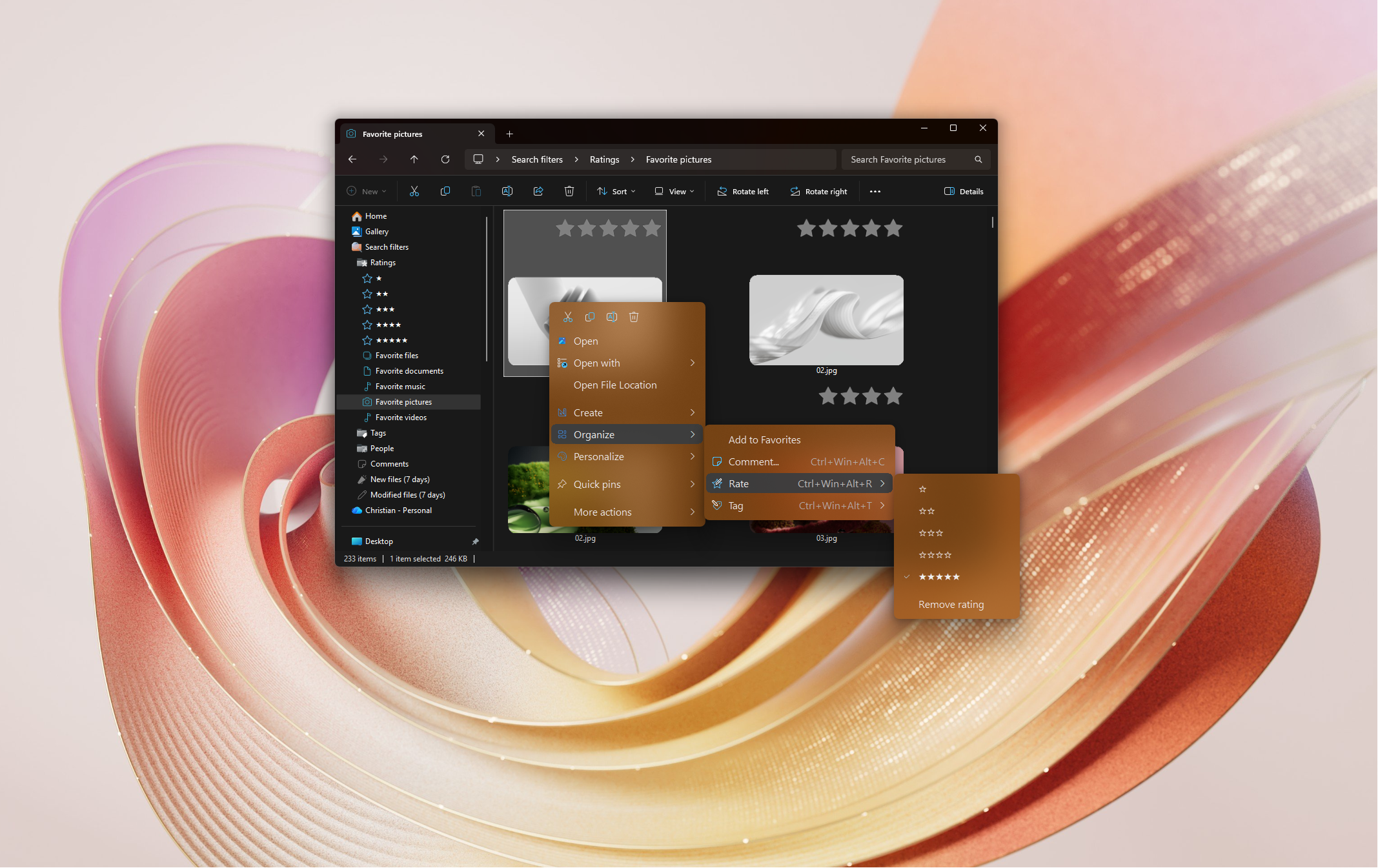
Rate+
Rate any file from one to five stars - not just photos - and find your best files again straight from File Explorer.
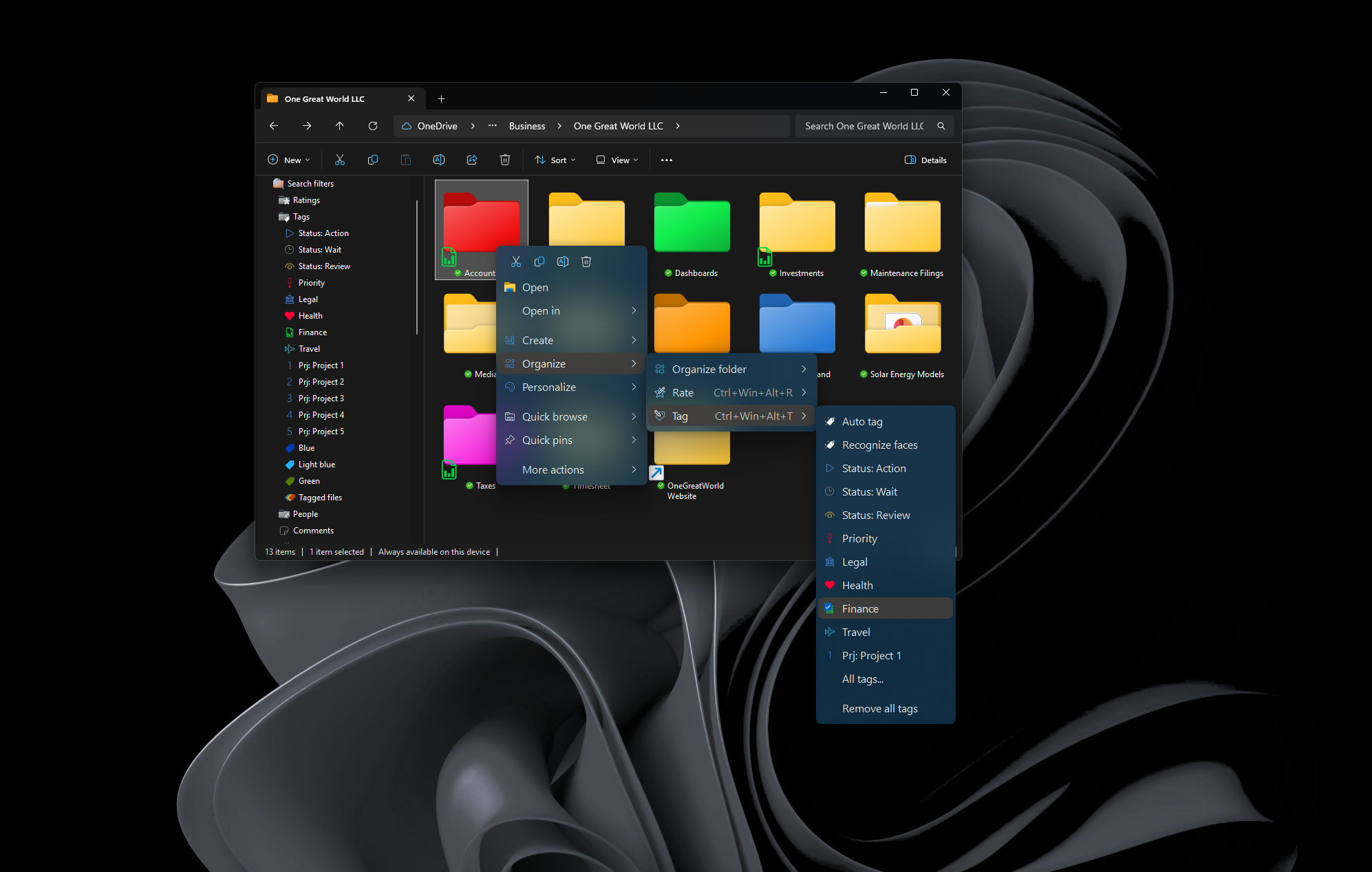
Tag+
Tag any file type in Windows Explorer and find it again instantly - or let Tag Sense AI suggest tags using a fully local AI.
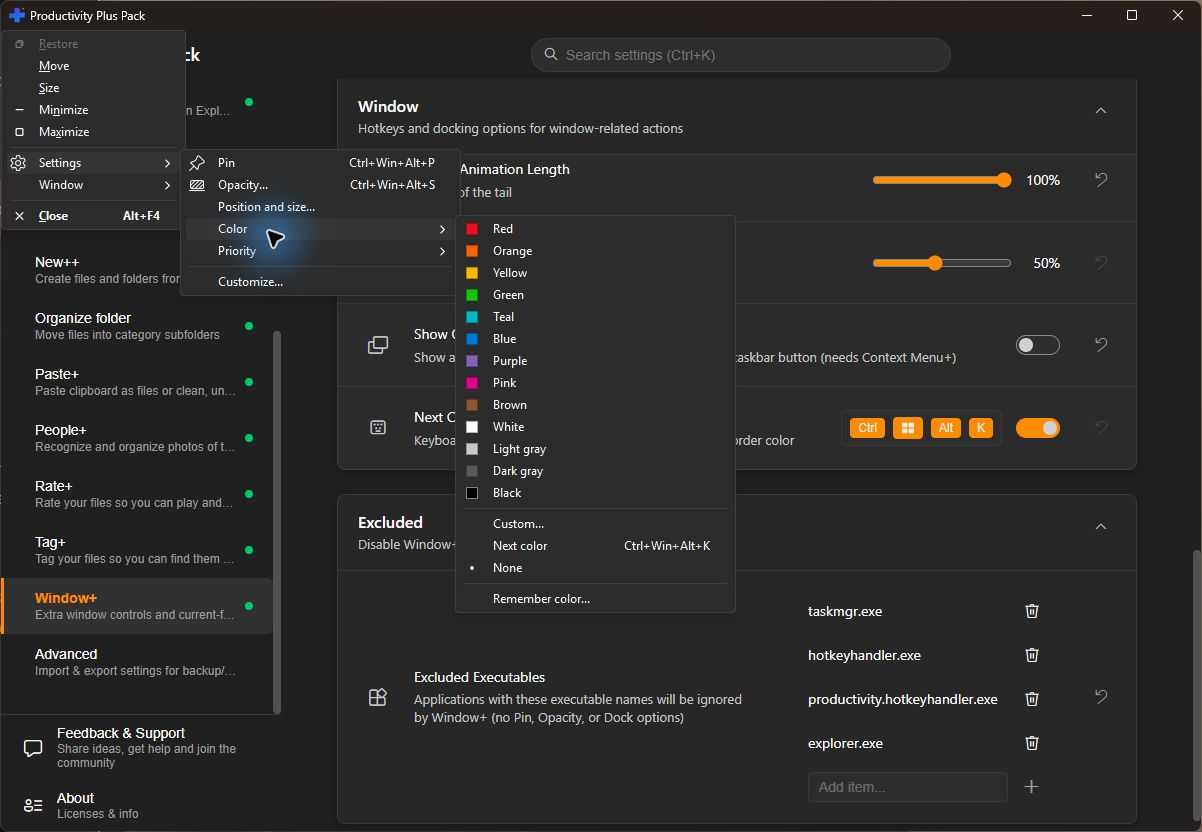
Window+
Pin any window on top, adjust its transparency, and jump straight to the file it has open - with settings remembered per application.