Find every photo of the people who matter to you - without your photos ever leaving your PC.
Your photo library likely grows faster than you can organize it. People+ uses private, local AI to recognize faces across your photos and group them by person, so you can pull up every picture of a friend or family member in seconds - no cloud, no upload, no account required.
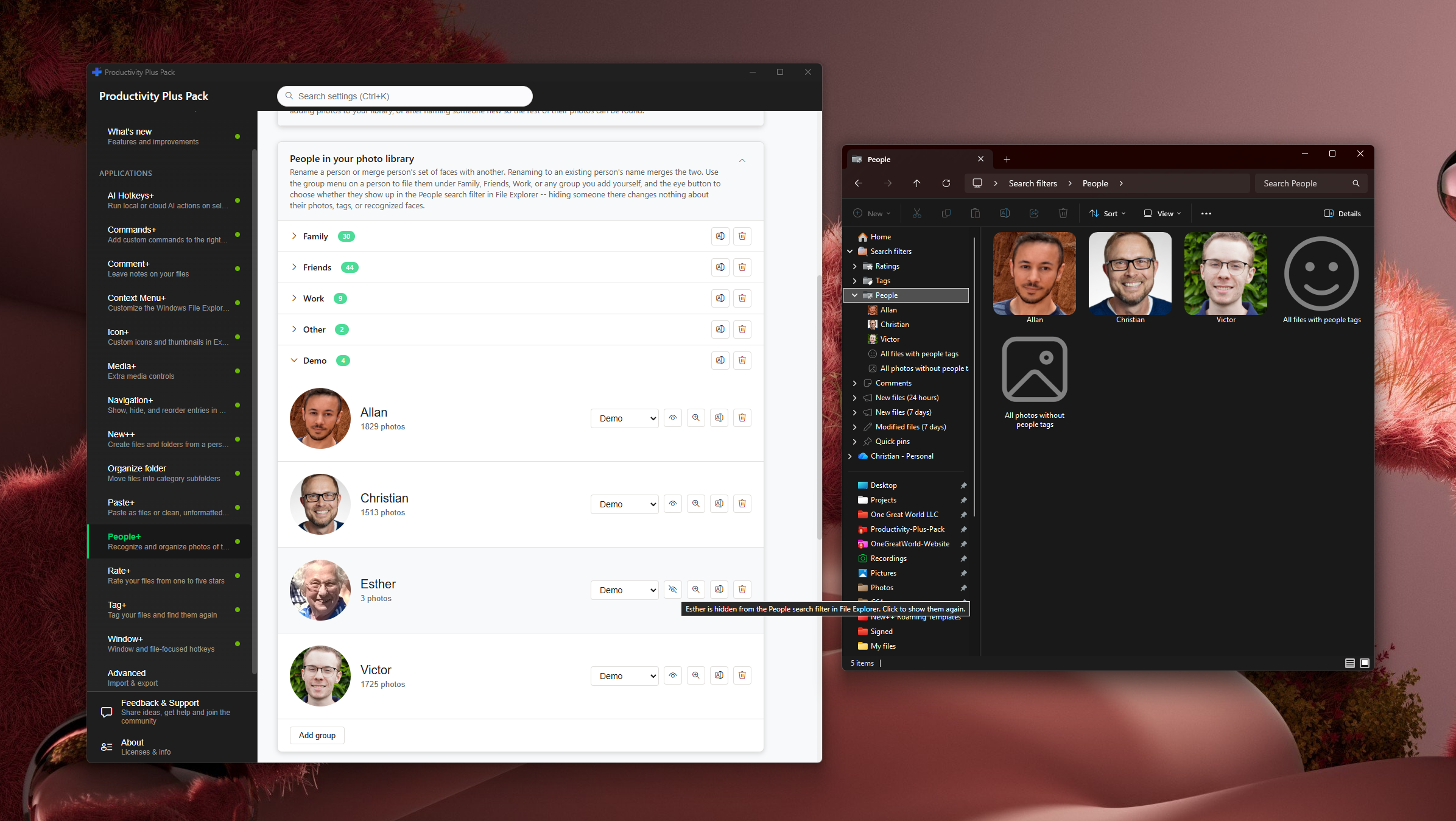
Choose the photo folders to scan, then review, confirm, rename or reassign recognized faces in Settings. People+ keeps recognition data locally and can write names and face regions to supported photos. Use groups and Explorer's People filters to find photos again.
No. All face recognition runs locally on your PC using on-device AI. Your photos and face data never leave your computer.
Yes, you can review, confirm, reject, or reassign any recognized face at any time - you're always in control.
Yes. Settings provides controls to forget a person or delete locally stored recognition data. Review the confirmation and any separately written photo metadata before deleting.
No. After you enable recognition and choose your photo-library folders, People+ scans those locations and suggests groupings for you to review.
Name family members, tag occasions and rate favorites so you can find the best photos of a person across different events and years.
Free 30-day trial, no account or credit card needed. Then one payment for every feature — no subscription.
