Rate supported files from one to five stars - not just photos.
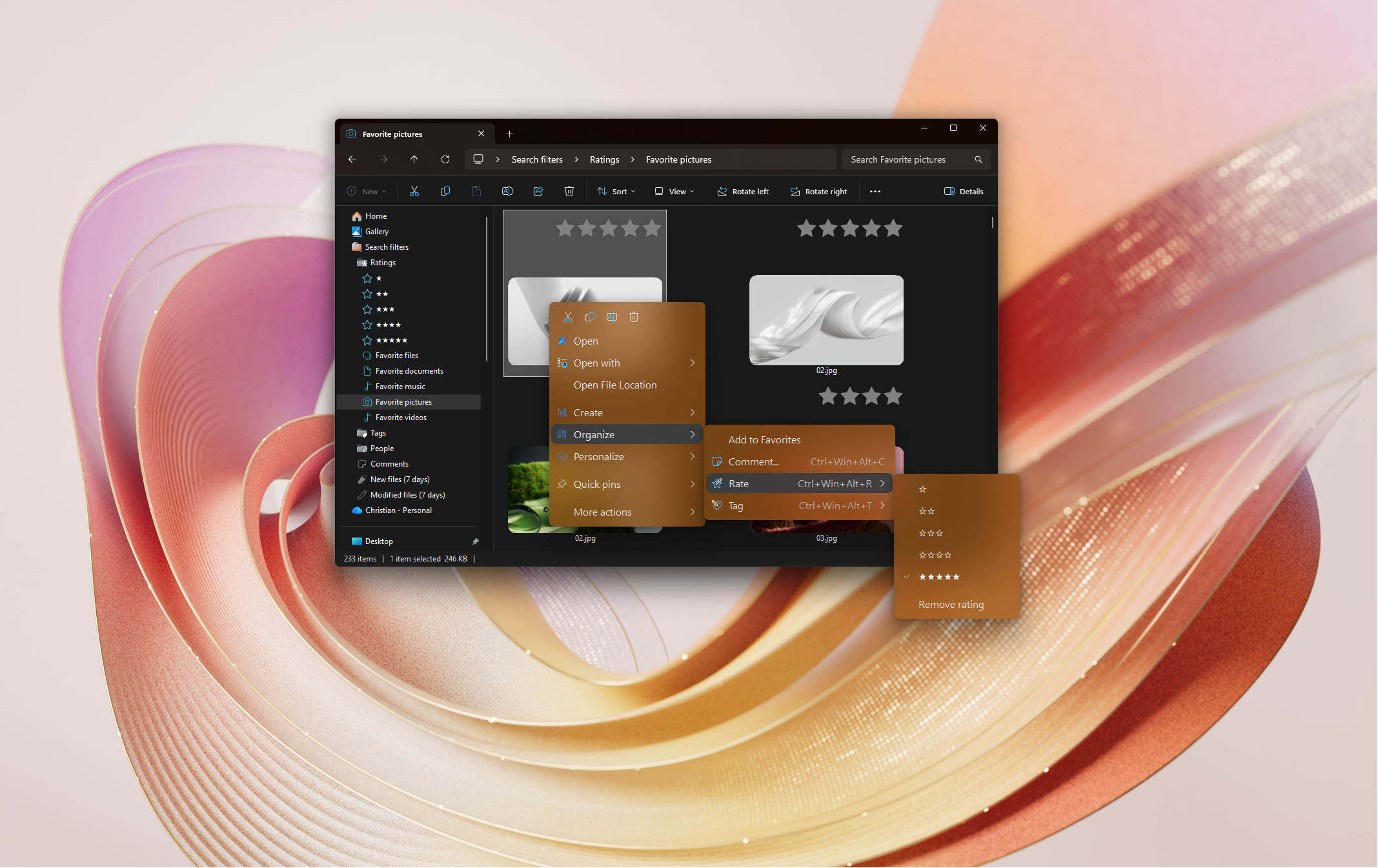
Windows only lets you rate some files, such as photos and music. Rate+ adds one-to-five-star ratings to over 60 supported file extensions, including PDFs, documents, text and source code, right from the right-click menu.
Stars show on thumbnails, and Explorer's Search filters section has ready-made rating filters for files in indexed locations. You can also rate folders on compatible drives, but folders are not included in these file search results.
Check supported file types, metadata storage and search requirements
This short demo covers tagging, star ratings and navigation-pane filters. Earlier videos use the File Organizer name for these tools.
Supported file types, storage and copying your tags
Need step-by-step help? See the full Rate+ guide →
Right-click a supported file in File Explorer and choose a star rating from the Rate menu, or select the file and press Ctrl+Win+Alt+R followed by a number from 1 to 5.
Yes. Rate+ rates PDFs, Word and Excel files, text files, source code and many more types that Windows can't rate on its own.
Open Search filters in Explorer's navigation pane and choose a rating. Files must be in indexed locations, and the index may take time to update. Use Navigation+ in Settings to build filters combining ratings and tags.
On your PC, using embedded metadata, sidecars or attached NTFS streams, depending on the format and installed handler. Preserve sidecars and check that your copy or sync tool preserves streams.
Keep contracts, amendments and correspondence together, record document status and notes, and find the signed files again in File Explorer.
Name family members, tag occasions and rate favorites so you can find the best photos of a person across different events and years.
Free 30-day trial, no account or credit card needed. Then one payment for every feature — no subscription.
