Your own templates, one right-click away, wherever you're working.
Recreating the same document, spreadsheet, or folder structure by hand gets old fast. New++ puts your personalized set of templates directly in the Windows context menu and behind hotkeys, so a new file or folder is always just a click away.
Templates can use variables like $MM, $DD, and $YYYY for automatic dates, $NNNN for sequence numbers, and even prompt-driven custom values - so a template named "Daily todo $MM-$DD-$YYYY.todo" creates a perfectly dated file every single time.
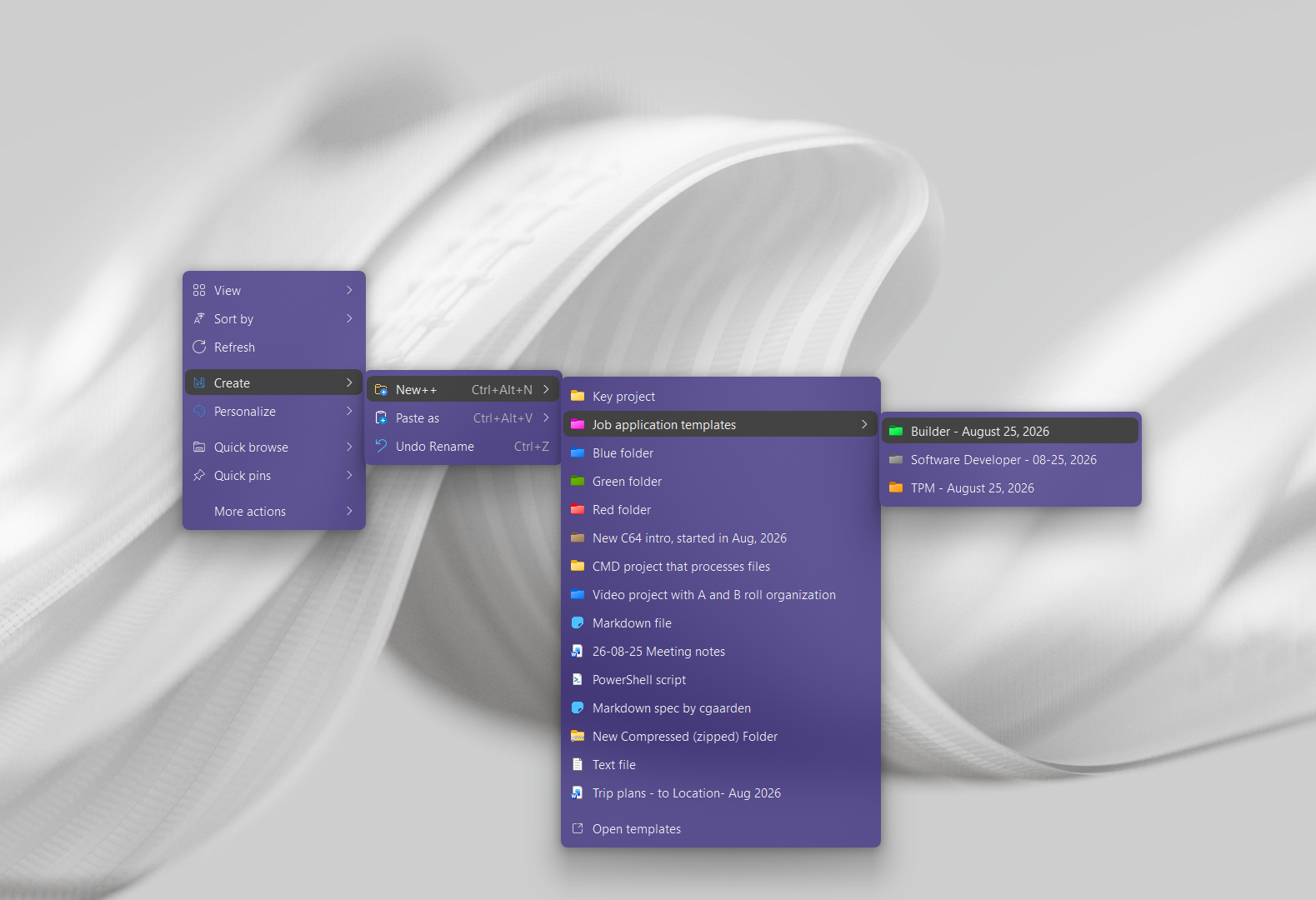
"New++ made it easy to create commonly used files instantly"
Create a file template · Create a project folder template
Need step-by-step help? See the full New++ guide →
Yes, use variables like $MM, $DD, and $YYYY in a template's name and New++ fills them in automatically when it's created.
Yes, use $set in a folder template's name, or hold Ctrl while creating it, to create its sub-items directly. You can also pre-populate a new folder with your current selection.
No, it also updates matching {{variable}} placeholders inside existing templated files whenever their values change.
Add $group to a template folder's name, or hold Shift while clicking it, to have it behave as a group of templates instead of a single item.
Start a client project from a template, distinguish working files from deliverables, and keep feedback and frequently used commands close to the files.
Free 30-day trial, no account or credit card needed. Then one payment for every feature — no subscription.
