Auto-tag your files with private, on-device AI - nothing ever leaves your PC.
Tagging every file by hand adds up fast. Tag Sense AI reads the content of your documents and images and suggests context-aware tags automatically, so your tags and search filters stay useful without the manual effort.
Analysis runs on your PC through Ollama. The direct-download edition guides you through setting up the local engine and a model. In the Microsoft Store edition, install Ollama yourself first. Tag Sense AI does not upload your files for analysis; downloading the engine and model requires an internet connection.
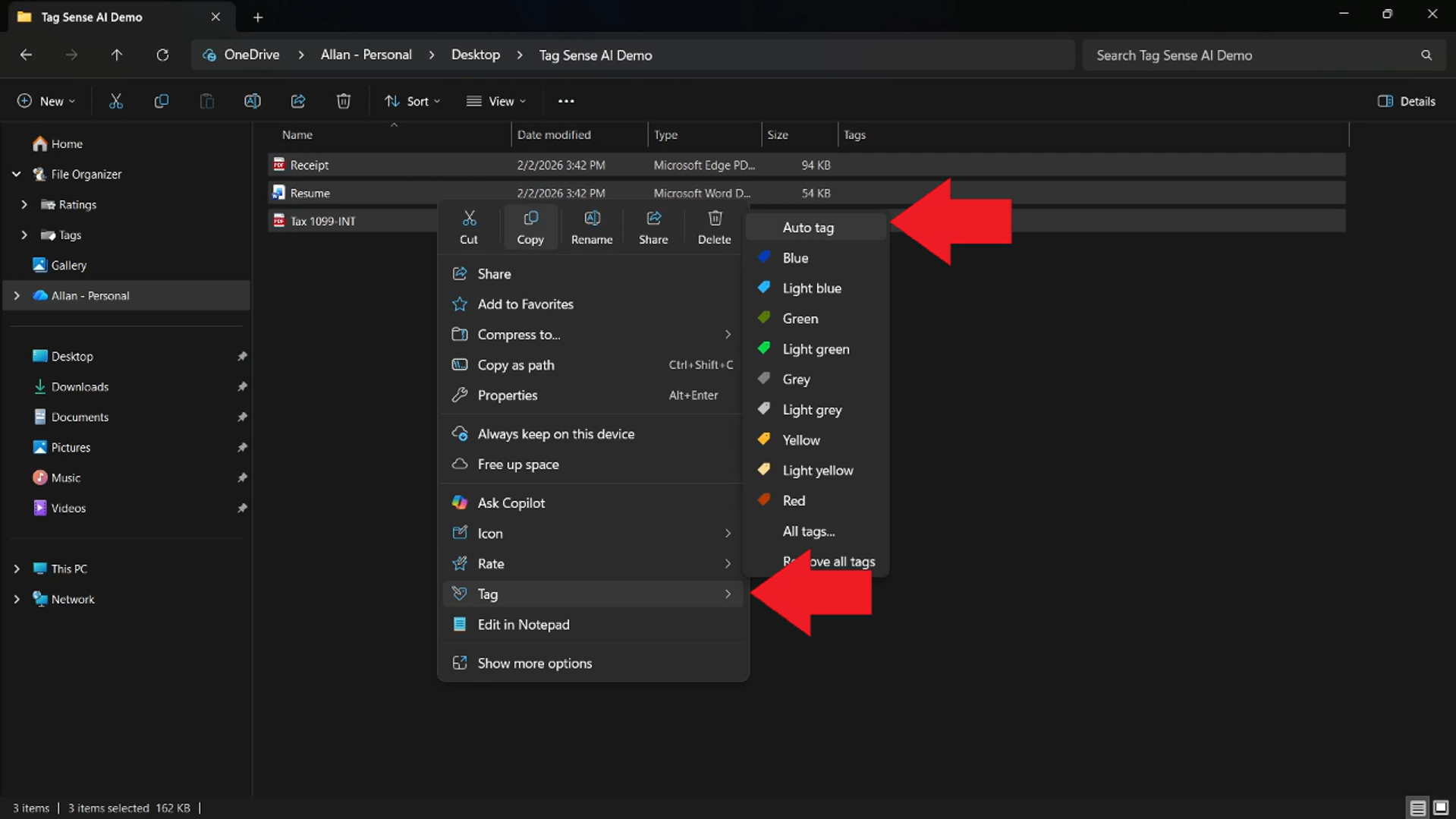
Need step-by-step help? See the full Tag Sense AI guide →
No. All analysis happens on your own computer using a local AI engine. Your file contents are not uploaded for analysis. Initial engine and model downloads require an internet connection.
The direct-download edition guides you through installing Ollama and a model. In the Microsoft Store edition, install Ollama yourself first. Initial engine and model downloads require an internet connection; local analysis runs on your PC.
Documents and images: PDF (including scanned PDFs), DOCX, TXT, MD, JSON, CSV, LOG, JPG and PNG. Images and scanned pages are read with local OCR.
Yes - suggested tags become regular Tag+ tags, so they show up on thumbnails and in your search filters just like tags you add by hand.
Collect research PDFs, review AI-assisted topic tags, record why sources matter and find relevant papers with tags, ratings and Explorer filters.
Free 30-day trial, no account or credit card needed. Then one payment for every feature — no subscription.
