Control media playback and your microphone from anywhere.
Play, pause, skip, and adjust volume using your keyboard's media keys — they work no matter which application is currently focused.
A single global shortcut lets you mute or unmute your microphone without switching to your meeting app first. Configure or change this shortcut in the Settings app under Media+.
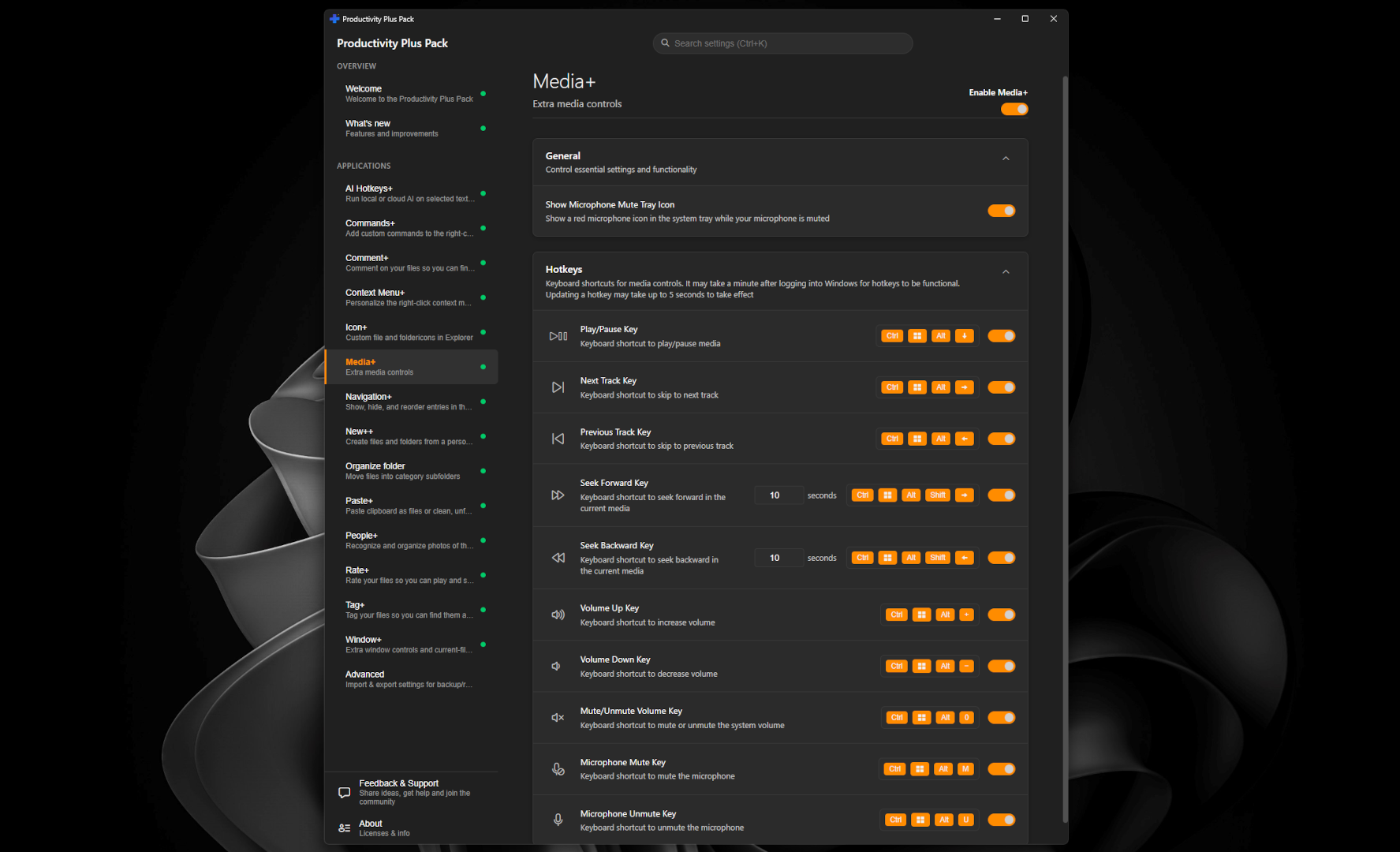
Media+ can be turned on or off independently in Settings if you'd rather use another tool for media/microphone control.
