Keep a todo list alongside your files, and on top while you work.
A todo list is just a .todo file, opened with the same lightweight editor
used for comments. Save it directly inside a project
folder so it stays right next to the files it's tracking.
Use the checklist tool in the toolbar to add checkbox items; checking an item off simply
toggles it, using plain - [ ] / - [x] Markdown under the hood.
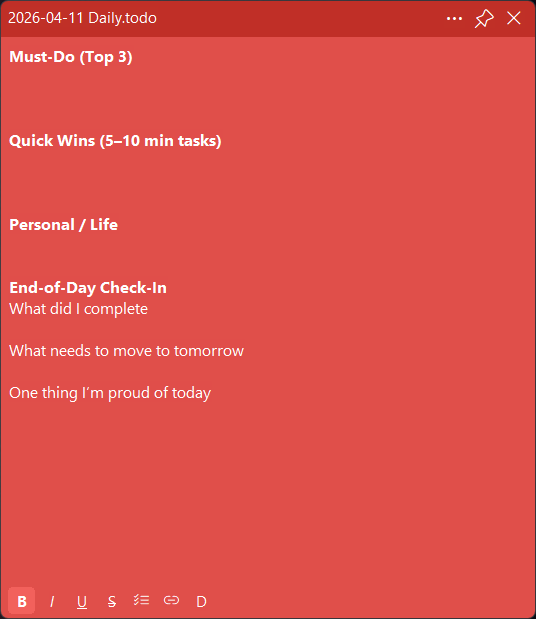
Set up a New++ template with a name like
Daily todo $MM-$DD-$YYYY.todo so a fresh, correctly dated todo file is one
click away every day.
Like comments, todo windows have a pin button to keep your list visible while you work in other applications.
