A todo list for every project, saved right next to the files it's about.
A single, generic todo app rarely fits the way real projects work. Todo lets you save a lightweight .todo checklist directly inside any project folder, so your task list lives exactly where the related files do.
Add checkbox items with the built-in checklist tool - plain Markdown under the hood - and pin the window on top while you work. Pair it with New++ to have a freshly dated daily todo file ready with a single click every morning.
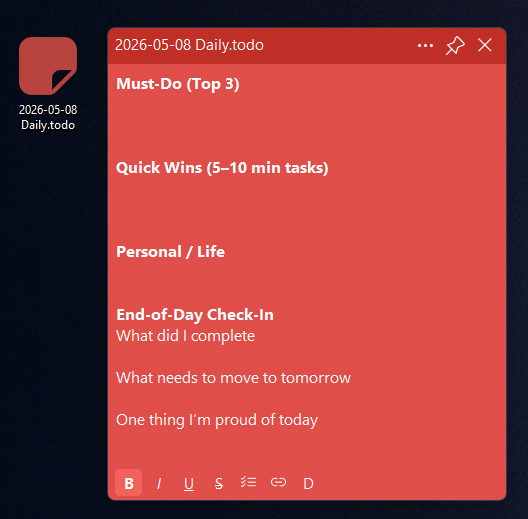
Need step-by-step help? See the full Todo guide →
As a plain .todo file wherever you choose - typically right inside the project folder it relates to, so it stays next to the files it's tracking.
Use the checklist tool in the toolbar to add checkbox items; checking one off simply toggles plain Markdown checkbox syntax under the hood.
Yes. Set up a New++ template named something like "Daily todo $MM-$DD-$YYYY.todo", then select it when you want a new list. New++ fills in the date when you create the file.
Yes, todo windows have a pin button, just like Comment+, to stay on top while you work.
Collect research PDFs, review AI-assisted topic tags, record why sources matter and find relevant papers with tags, ratings and Explorer filters.
Free 30-day trial, no account or credit card needed. Then one payment for every feature — no subscription.
